
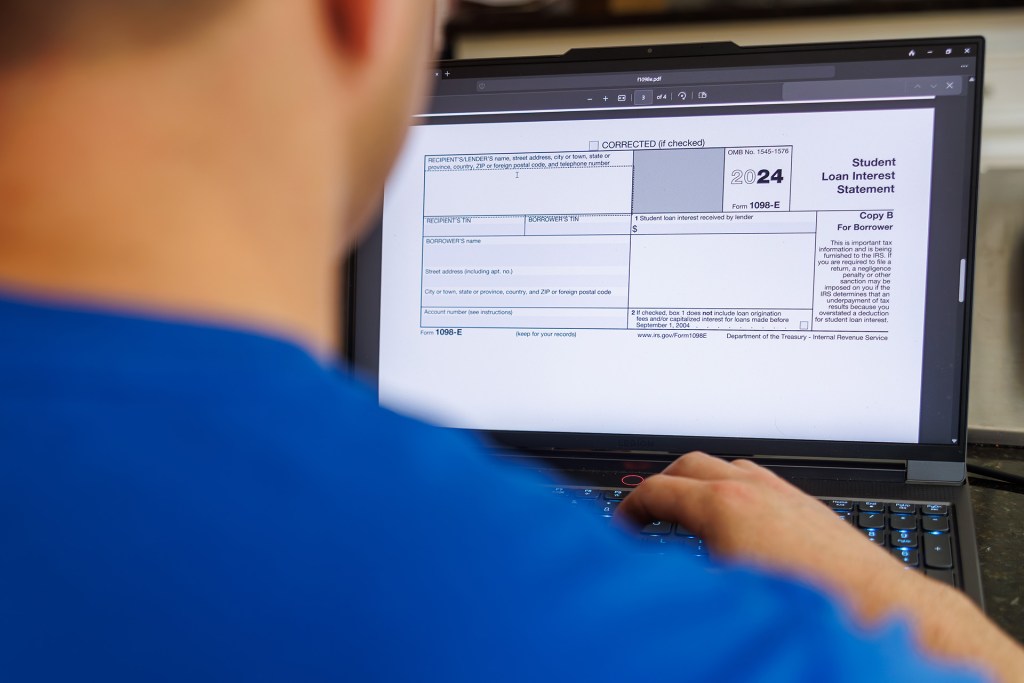
PDFs are everywhere—on websites, in emails, in training materials, and reports. But here’s something that often gets overlooked: Is your PDF accessible to everyone?
If the answer is “I’m not sure” (or maybe even a nervous “no”), don’t worry—you’re not alone. Many organizations don’t realize that a simple PDF can be a roadblock for people who use assistive technologies like screen readers.
In this post, we’ll break down:
- What makes a PDF accessible
- Why it matters for your business or organization
- And simple steps you can take to make your PDFs more inclusive
Let’s dive in.
What Is an Accessible PDF?
An accessible PDF is one that everyone can read and navigate—including people who rely on screen readers, keyboard navigation, or other assistive tech. To be considered accessible, a PDF needs to include things like:
- Searchable, readable text (not just scanned images)
- Proper heading structure (like in a webpage)
- Alt text for images
- Tagged content that defines the reading order
- Descriptive link text
- Logical tab order and bookmarks
- Color contrast that meets WCAG 2.2 AA standards
Basically, an accessible PDF works well for everyone, no matter how they access content.
Why PDF Accessibility Matters
1. It’s the Law
In the U.S., digital accessibility is covered under laws like the Americans with Disabilities Act (ADA) and Section 508 of the Rehabilitation Act. That means inaccessible PDFs on your website or in communications could lead to legal risk.
2. It’s Good for SEO and Usability
Accessible PDFs are better for search engines because tagged content and proper structure help Google understand what’s inside your file. Plus, it’s easier for everyone to navigate—a win-win for usability and discoverability.
3. It Shows You Care
Making your PDFs accessible shows that your organization values inclusion and equity. It tells customers, employees, and partners that you care about their experience—no matter how they interact with your content.
How to Make Your PDFs Accessible: Step-by-Step
1. Start with an Accessible Source Document
If you’re creating your PDF from Microsoft Word, PowerPoint, or Google Docs, begin with accessibility in mind:
- Use built-in heading styles (e.g., Heading 1, Heading 2)
- Add alt text to all images
- Use clear, descriptive link text (avoid “click here”)
- Use high contrast colors and readable fonts
Then export to PDF using the “Save As” or “Export” feature while preserving accessibility settings.
2. Use Adobe Acrobat Pro’s Accessibility Tools
If you’re using Adobe Acrobat Pro, you can:
- Run the Accessibility Check
- Add or edit tags to define structure
- Use the Reading Order tool to ensure logical flow
- Add alt text to images or decorative marks
3. Check for Common Issues
Run through this quick checklist:
- Is the document tagged?
- Can all text be selected and read out loud?
- Do images have alt text?
- Is the reading order correct?
- Are form fields labeled properly?
If not, it’s time to revise.
4. Use PDF Accessibility Checker Tools
There are tools to help, including:
- Adobe Acrobat Pro Accessibility Checker
- PAC 2024 (PDF Accessibility Checker) – great for WCAG compliance
- CommonLook PDF Validator
- Or work with an accessibility expert (like us!)
What Happens If You Skip PDF Accessibility?
Honestly, it’s risky. Inaccessible documents can lead to:
- Lawsuits or ADA complaints
- Frustrated users who can’t access critical info
- Damaged reputation and lost trust
- Missed SEO opportunities
The good news? Once you get into the habit of creating accessible documents, it becomes second nature.
Need Help Making PDFs Accessible?
We get it—accessibility can feel overwhelming, especially if you’re dealing with hundreds (or thousands) of documents. That’s where we come in.
At Accessivly, we specialize in PDF accessibility remediation, audits, and training. Whether you need help with a single file or a complete document library, we’re here to make it easier.
Want us to take a look at your PDFs? Contact us today for a free consultation.
Final Thoughts
PDF accessibility isn’t just a nice-to-have—it’s a must-have. By making your documents inclusive, you’re not only meeting compliance standards—you’re building a better experience for everyone.
 Accessivly